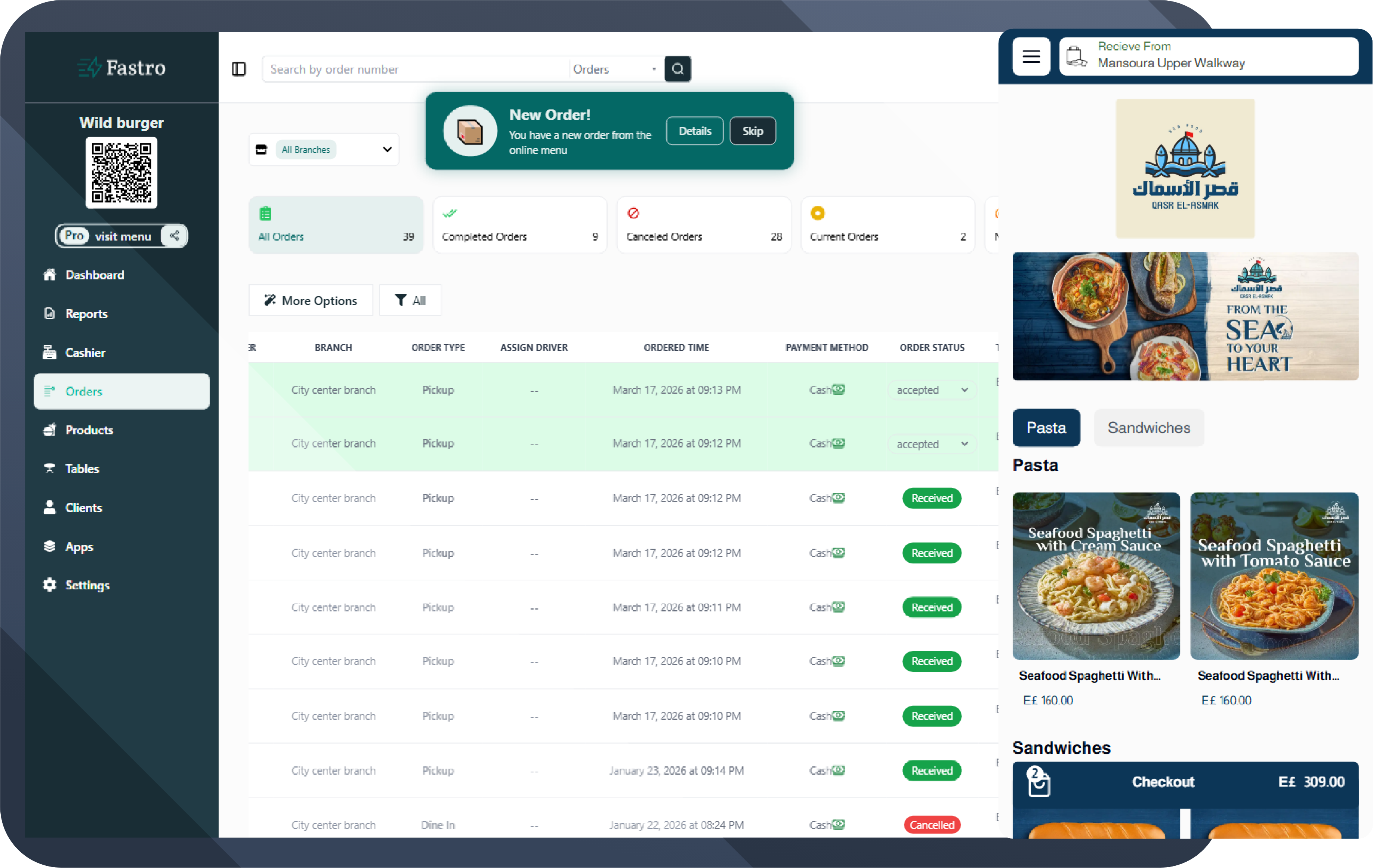
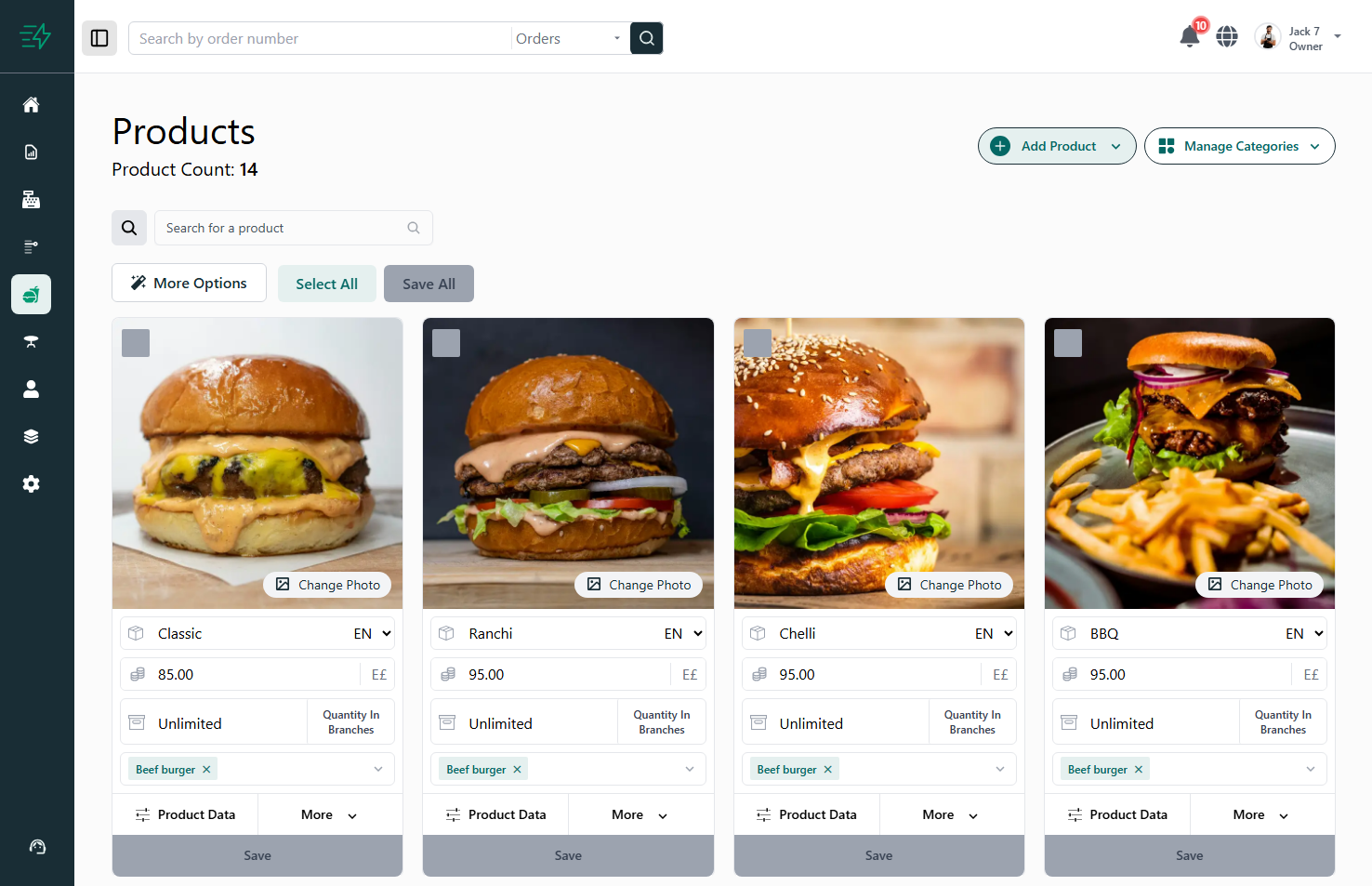
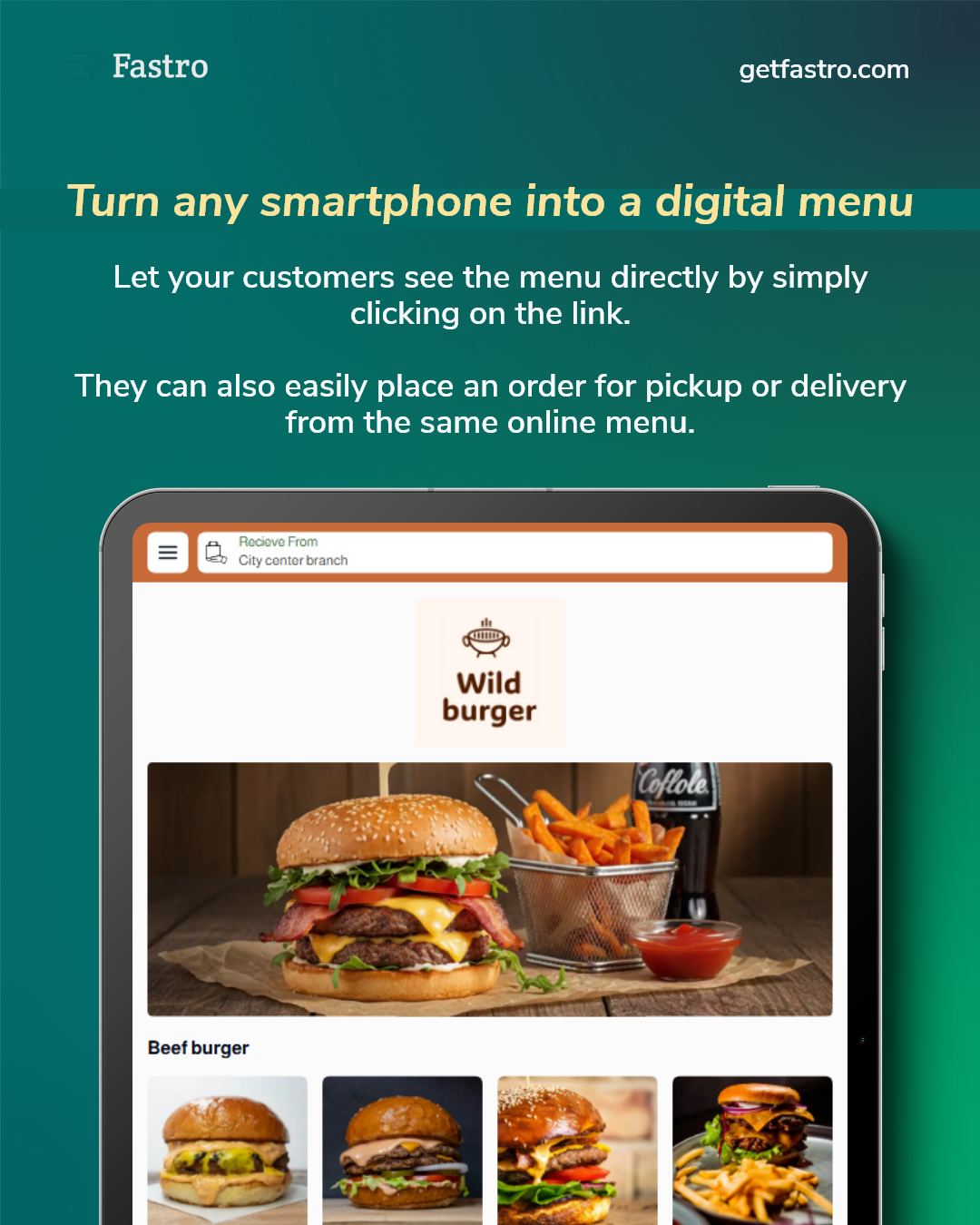
How to Choose the Best Cashier System for Your Restaurant?
A comprehensive guide to choosing a restaurant cashier system and cloud POS professionally for your business in 2026.
Competition in the restaurant market is stronger than ever before. Speed of service, order accuracy, inventory management, and sales analysis have become essential elements for success. Therefore, choosing a cashier system for restaurants is not just a technical decision; it is an investment decision that will directly affect your profits and the efficiency of your team.
Whether you are thinking about moving from a traditional cashier to a cloud POS or you have just opened a new restaurant and want to start right, this article will help you choose the most suitable system step-by-step.
First: What is a Restaurant Cashier System?
A restaurant cashier system is software used to manage sales operations within a restaurant, starting from recording the order and calculating the bill to collecting payments and issuing reports.
However, modern systems now include much more:
Table management
Inventory tracking
Online order management
Real-time analytical reports
Integration with electronic menus (QR menus)
Employee and permission management
Traditional Cashier vs. Cloud POS
Traditional Cashier:
Operates on a single device inside the restaurant.
Data is saved locally.
Requires manual maintenance and updates.
Difficult to monitor your business from outside the location.
Cloud POS:
Operates via the internet.
You can monitor sales from anywhere.
Automatic updates.
Instant reports.
Scalable as your business grows.
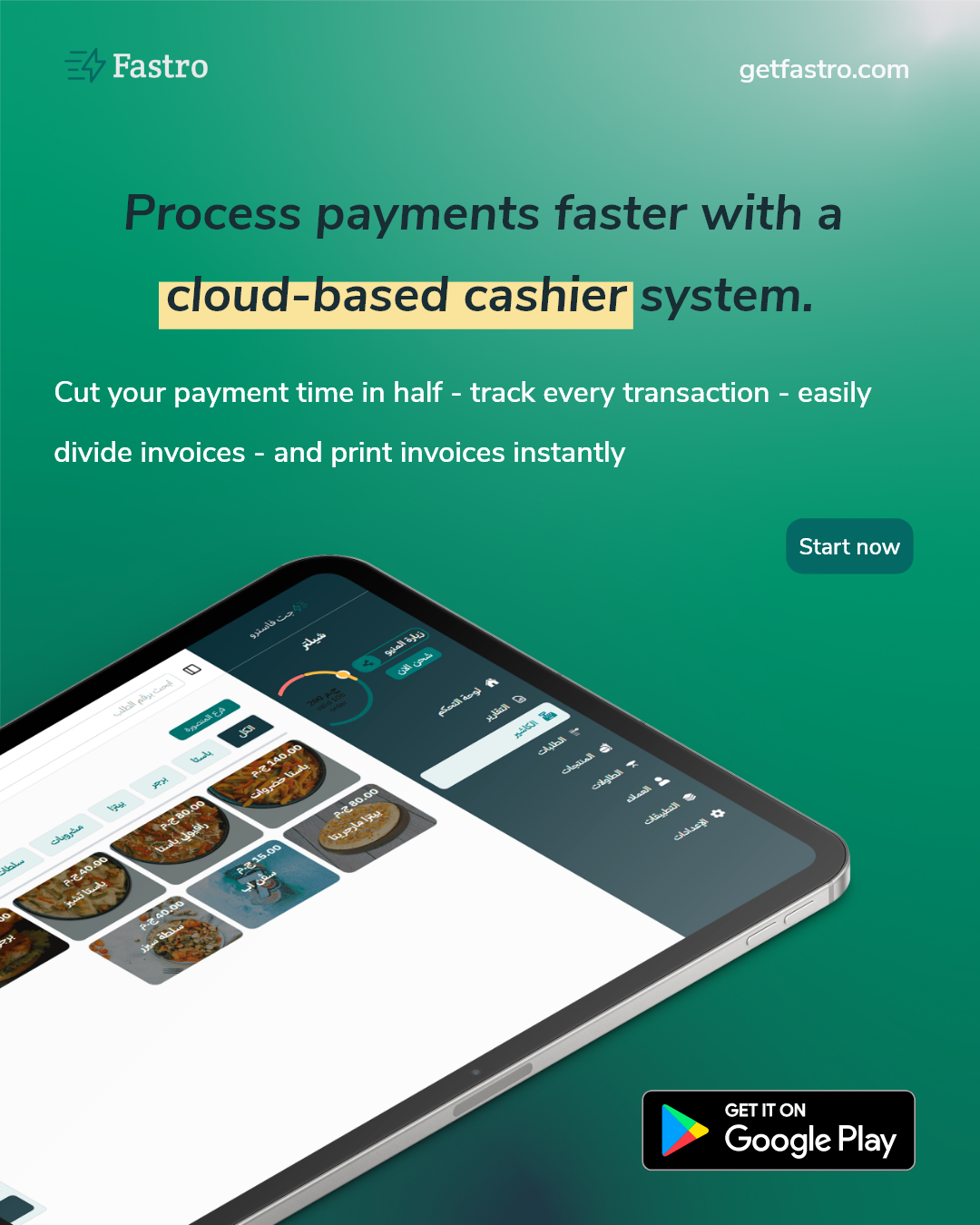
Top Criteria for Choosing the Best Cashier System
1. Ease of Use
The most important criterion.
Ask yourself: Can a new employee learn it quickly?
Is the interface clear?
Complexity increases order errors and slows down service.
2. Table and Order Management
If you have an indoor dining area, the system must support:
Displaying the status of each table (Occupied – Available – Under billing).
Splitting or merging bills.
Adding notes for the kitchen.
3. Accurate Inventory Management
Waste and poor inventory management are major causes of loss. A good system should provide:
Automatic deduction from stock with every sale.
Alerts when items are running low.
Daily consumption reports and cost calculation per dish.
4. Reports and Analytics
Data is the treasure of any successful project. Choose a cloud POS that offers reports on daily sales, top-selling items, slow-moving items, peak times, and employee performance.
5. Online Order Support
In 2026, a large portion of sales comes from online orders. The system should integrate with electronic menus, QR codes , mobile ordering, and delivery apps.
6. Security and Data Protection
Ensure the system offers automatic backups, customer data protection, specific employee permissions, and a full log of all operations.
7. Scalability
If you plan to open a second branch, the system must support managing multiple branches, separate and combined reports, and stock transfers between locations.
8. Technical Support
If the cashier stops during peak hours, you need a company that provides fast technical support, training, and explanatory videos.
Important Questions to Ask Before Subscribing
Are there hidden fees?
Is there a mandatory annual contract?
Can I export my data if I want to change systems?
Are updates free?
Is the system suitable for my specific type of business (Cafe vs. Fast Food vs. Family Restaurant)?
Common Mistakes to Avoid
Choosing the cheapest option only.
Ignoring the reporting features.
Not trying the system before buying.
Neglecting employee training.
Why Fastro?
Systems like Fastro combine an electronic menu and a cloud cashier in one solution, offering real-time reports, inventory management, and a free trial to see the difference in speed and accuracy for yourself.